PRACTICAL IMAGE EDITING
Practical Image Editing Articles
One concrete editing problem at a time. Workflow illustrations and recorded repair examples are labeled separately, with a direct route into the free beta editor.
· Updated
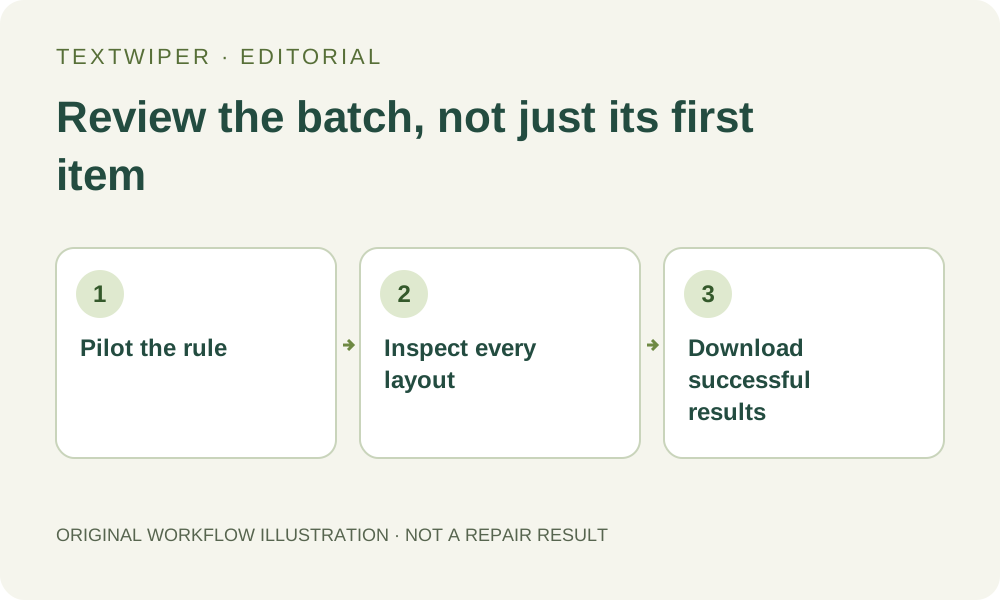
A Batch Image Review Checklist Before You Download the ZIP
Review varied layouts one by one, keep completed results after a partial failure, and avoid treating a ZIP download as proof every edit succeeded.
Read article →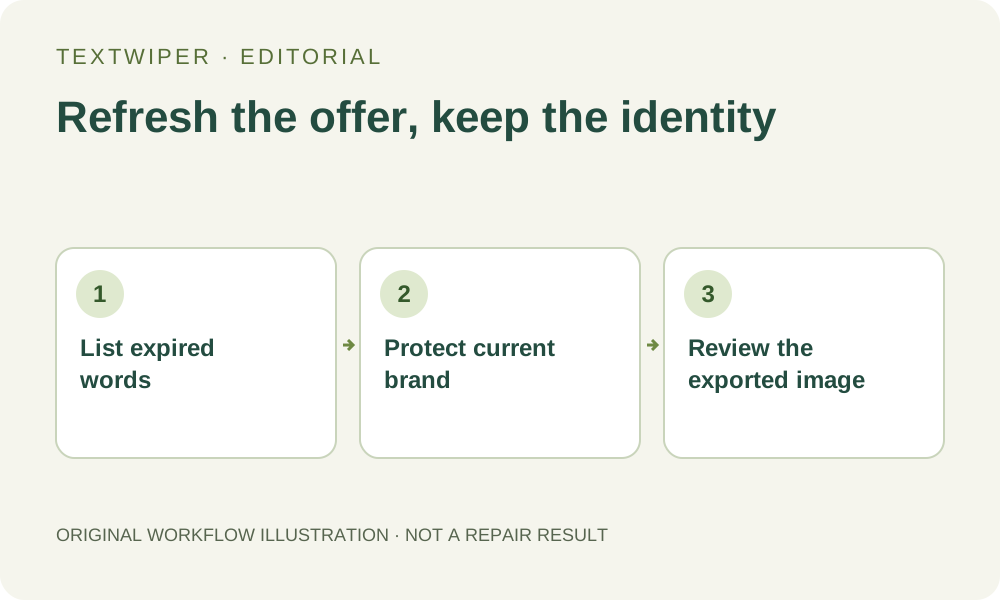
Update Old Sale Labels Without Rebuilding Your Product Image
A practical checklist for clearing outdated promotional text from your own product artwork while keeping the current brand and product details.
Read article →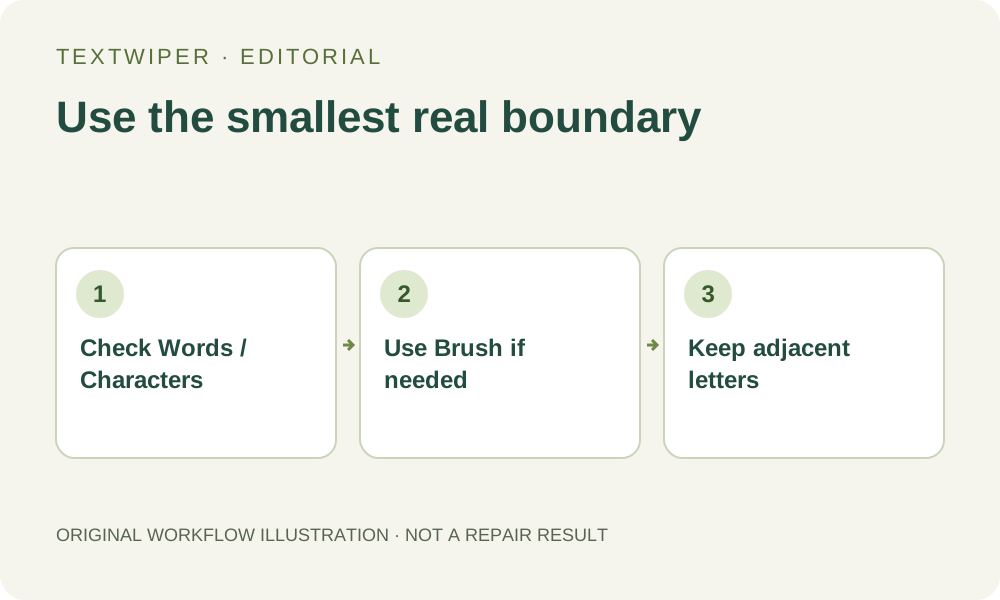
Remove One Word from a Detected Phrase Without Erasing the Rest
Use available character boxes, or a smaller manual mask when recognition only returns a whole phrase.
Read article →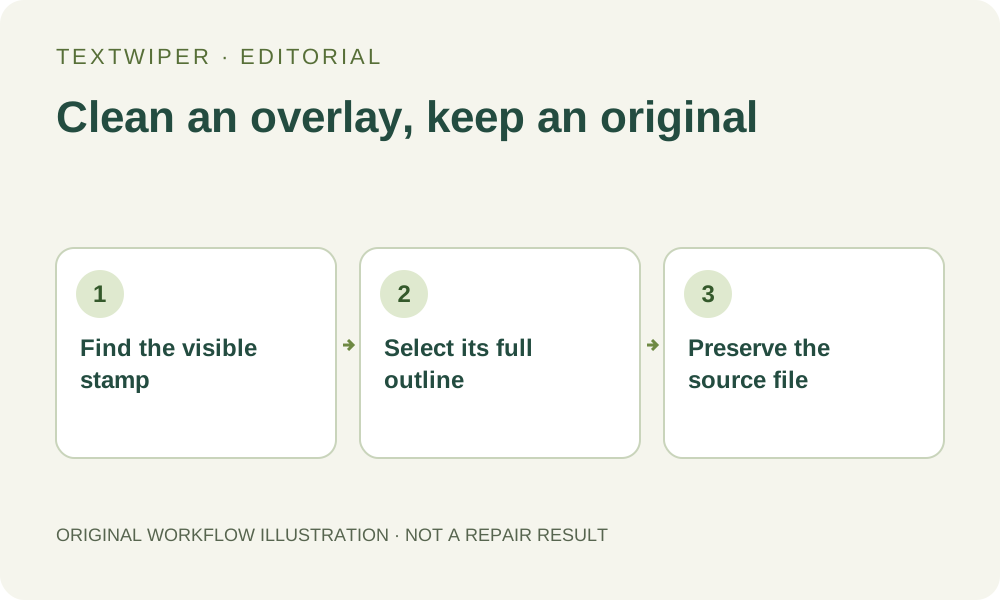
Remove a Date Stamp from Your Own Photo Carefully
A small-area workflow for an unwanted date overlay, plus the distinction between image cleanup, hidden information and metadata.
Read article →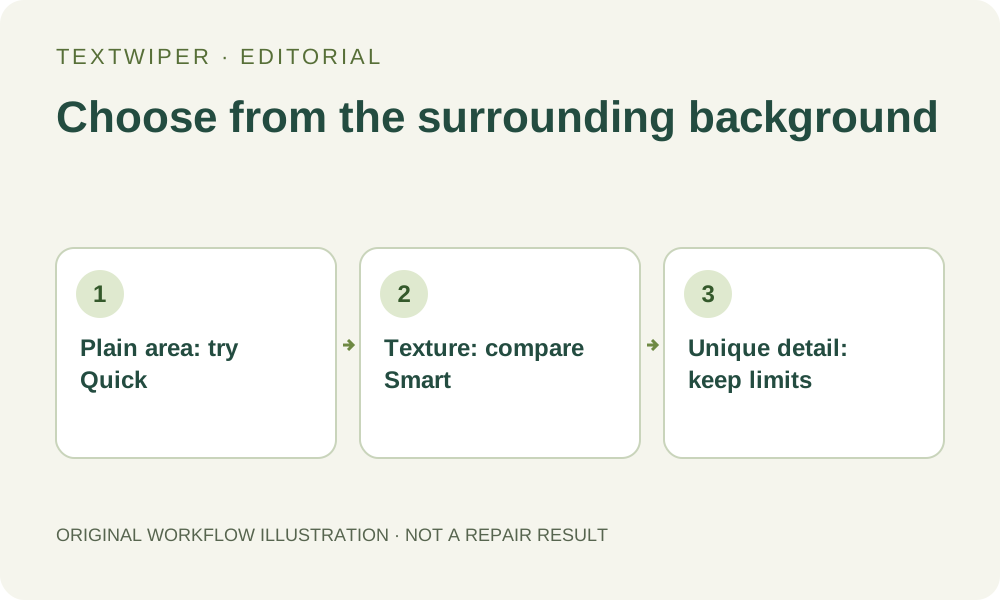
Quick or Smart Repair? Choose by the Background Around the Text
A background-based decision guide for manual text removal, with realistic limits and a fair way to compare two results.
Read article →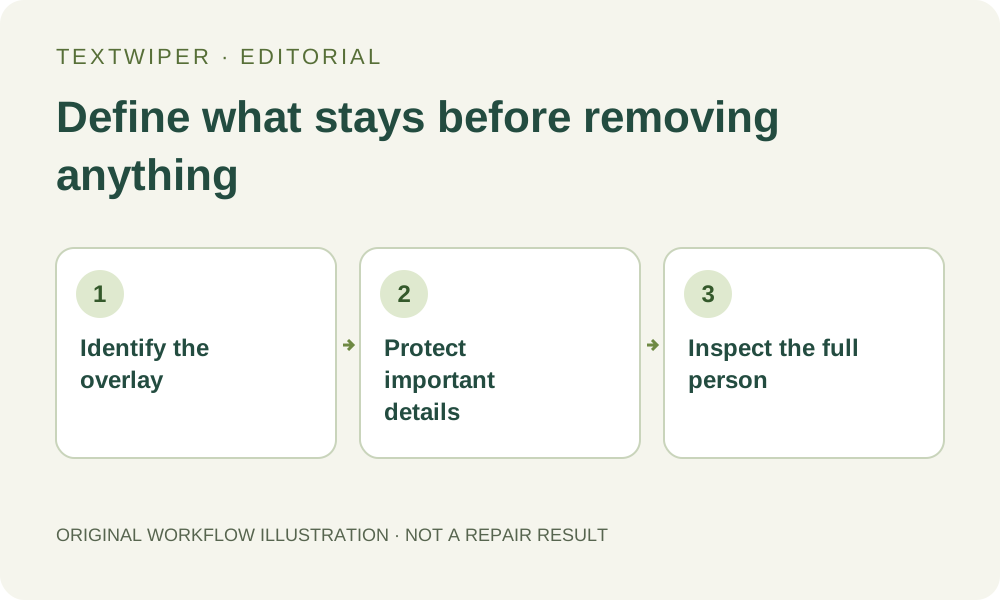
Protect Faces and Intentional Clothing Text During Cleanup
Separate an unwanted overlay from the details you mean to keep, and understand the limits of protected areas in local and whole-image repair.
Read article →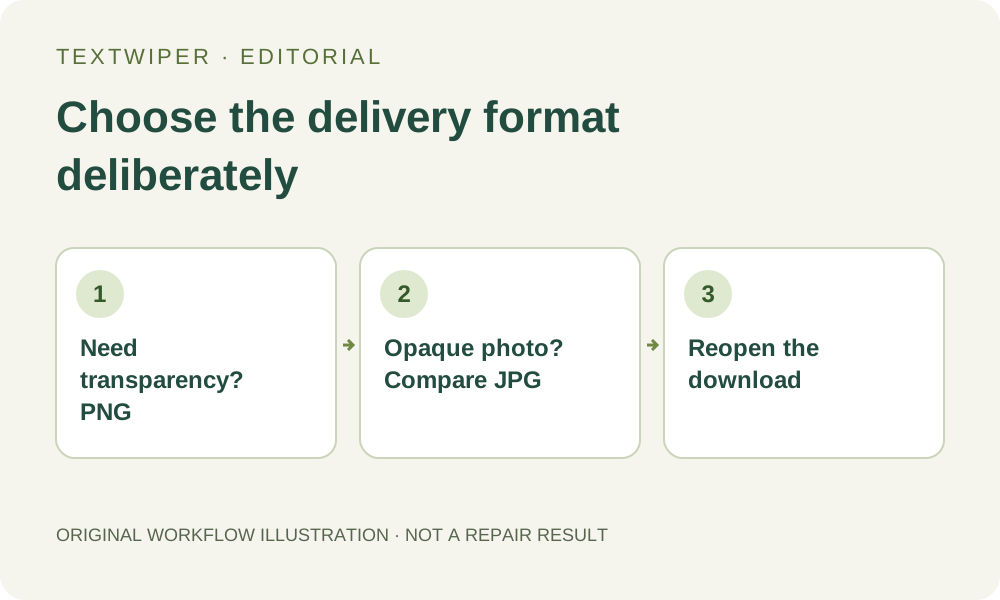
PNG or JPG After Removing Text? Choose the Export You Need
Understand transparency, full-image re-encoding and downloaded-file checks before using your repaired image elsewhere.
Read article →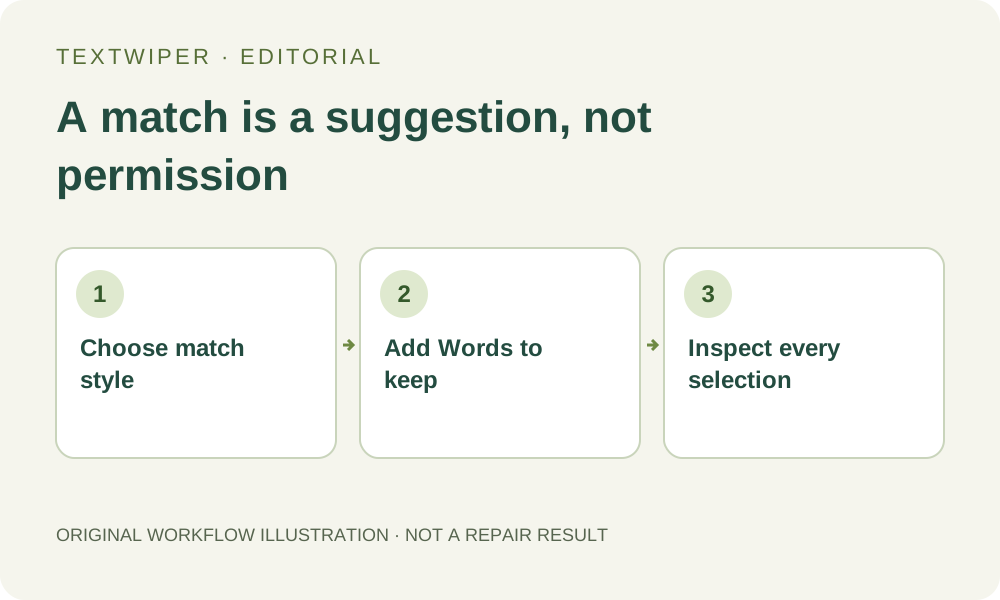
Keep Brand Names When Removing Promotional Words
Avoid accidental matches inside brand names: compare phrase and whole-word matching, add keep rules, and review the actual selection.
Read article →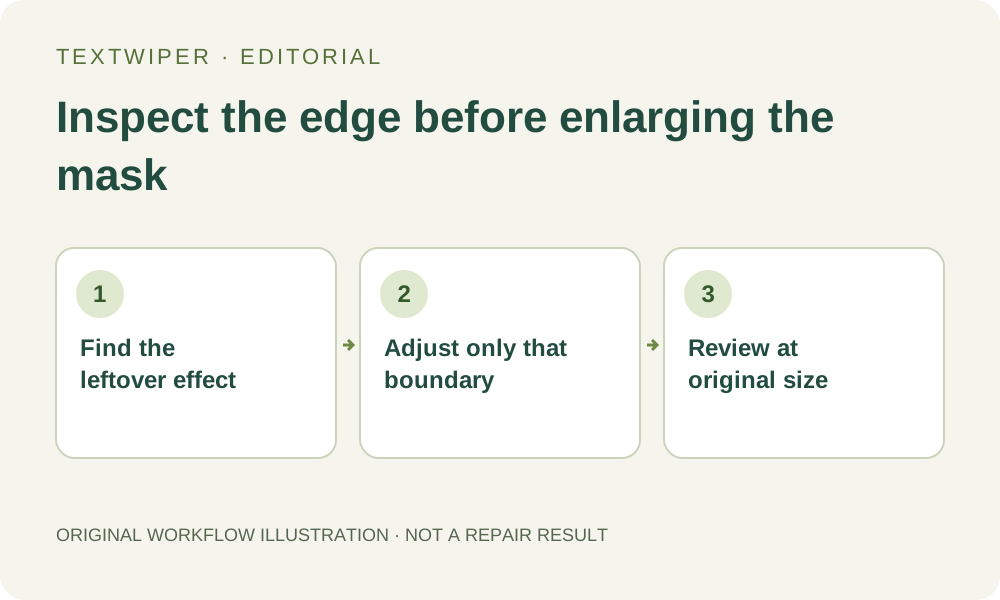
Why Text Removal Leaves a Halo—and How to Refine the Mask
Diagnose leftover outlines, shadows and soft letter edges without repeatedly erasing a larger area of the photo.
Read article →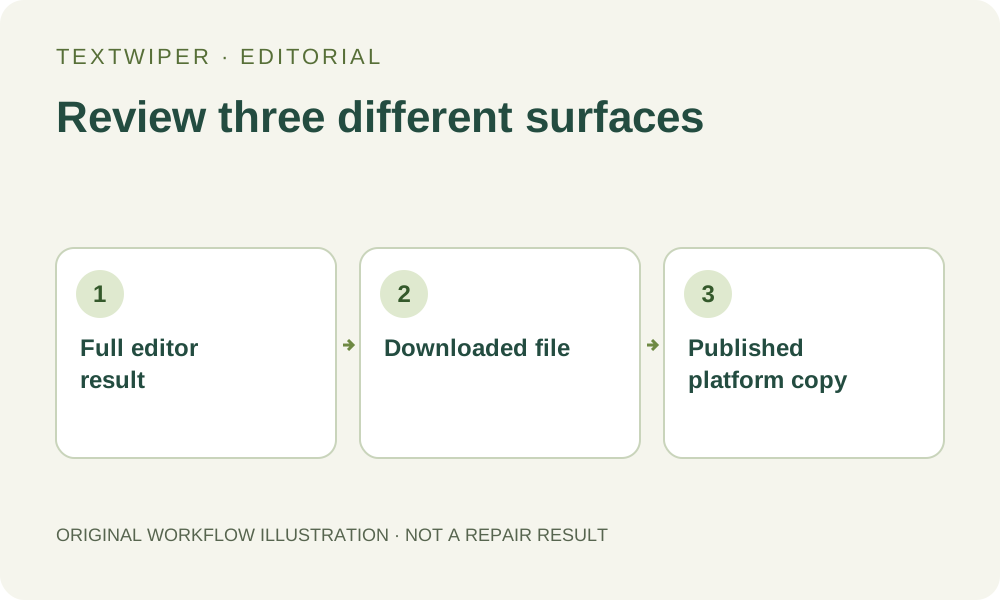
Check a Repaired Image Before You Publish It
A practical final review for full-result previews, changed details, downloaded files and the version that appears on the receiving platform.
Read article →