PRACTICAL IMAGE EDITING
A Batch Image Review Checklist Before You Download the ZIP
A batch saves repeated work, but it does not make ten layouts identical. Check the selection and result on each image before publishing the batch.
Published 2026-10-14 · Updated
Start with a representative small batch
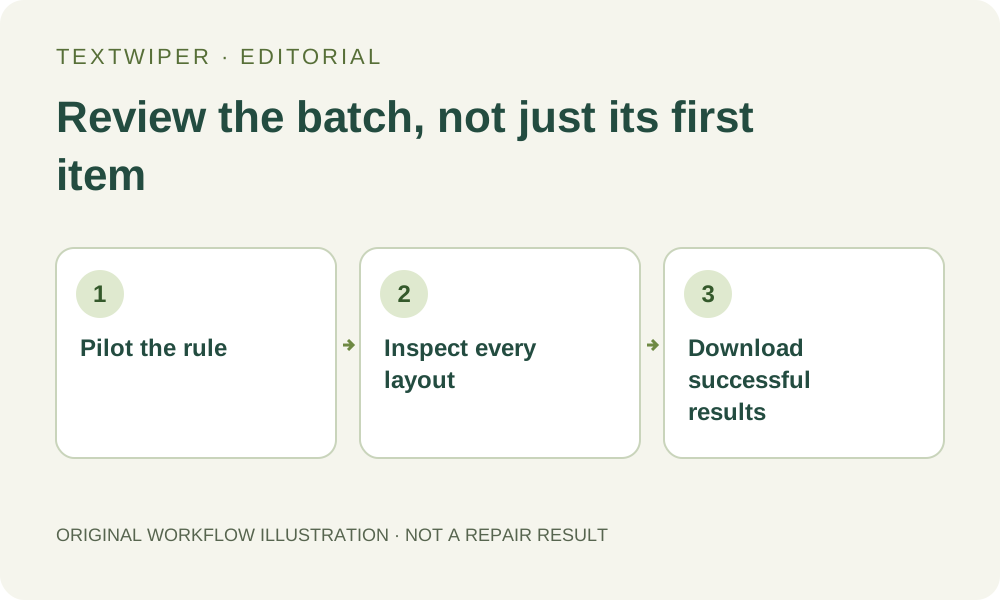
TextWiper accepts up to ten images per batch, with a forty-megapixel total limit. Per-file limits still apply. Choose a pilot with different text positions and backgrounds rather than ten near-identical easy images. A safe rule on one layout is not evidence that another layout is safe.
For keyword work, keep removal words separate from Words to keep. Use scanning and selection review when the layout is uncertain. Scan & erase matches intentionally repairs matching areas immediately; an empty library does not remove everything.
Inspect the image, its selection and its status
- Check each item’s detected words or painted selection. Preserve brand text and required product information.
- Open Inspect result for each completed image. The editor now shows the full repaired result; optionally open Show comparison to inspect the changed area.
- If you adjust the selection, run repair and Save review back to the batch. Changing a selection alone is not a new finished result.
- Review failed or skipped items separately. Retry an individual failed image when appropriate rather than assuming that a ZIP includes all requested edits.
A partial batch can still contain useful work
Processing is serial, and canceling preserves completed results. Images without a matching removal area are skipped without manufacturing an after image. Download successful images individually or together, then reconcile them against your source list.
Reopen representative exported files and confirm dimensions, transparency, brand spelling and the removed phrases. Keep the originals and the reviewed outputs in different folders to avoid accidentally uploading an untouched source.
When to split the job
Split a batch when product families need different keep rules, when the forty-megapixel total is exceeded, or when one difficult background needs focused manual work. Automatic whole-image cleanup is a separate limited single-image trial; do not assume it is the batch keyword workflow.