PRACTICAL IMAGE EDITING
Remove a Date Stamp from Your Own Photo Carefully
If a date is visibly stamped onto your own photograph, a small manual repair may make the photo easier to reuse. Keep the original: cleanup changes the visible picture, not its history or authenticity.
Published 2026-10-14 · Updated
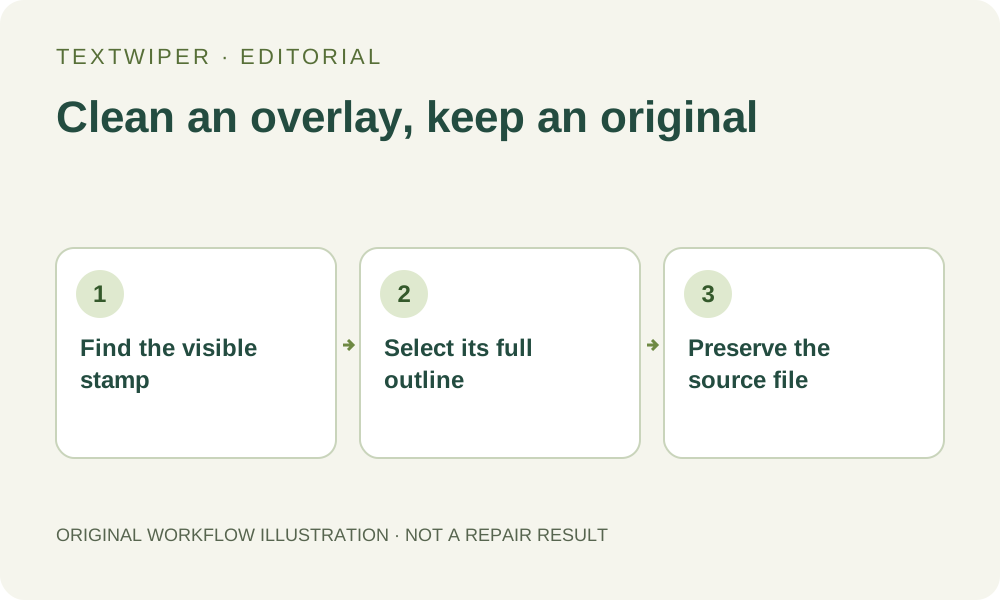
Check whether the date is actually part of the pixels
Some viewers display a date from file metadata without drawing it into the image. Export a copy or view the file in another viewer to distinguish that display from a burned-in stamp. A date stored as metadata is not removed by painting a different part of the picture.
For a visible stamp, use an image you own or are authorized to edit. Do not use cosmetic cleanup to present an altered image as an unedited record, receipt or other evidentiary document.
Repair only the visible overlay
- Keep an untouched original. Open a JPG, PNG or still WebP copy in TextWiper.
- Use Brush or Area around the date. Include any outline or drop shadow without selecting more of the photograph than needed. Recognition is optional.
- Try Quick repair if the corner is plain; consider Smart repair if it contains texture. Protect any nearby subject or intentional lettering.
- Inspect the complete result and reopen the downloaded PNG. Pay particular attention to a horizon, fence or other line that crossed the date.
A date over detail has a real limit
A stamp over open sky is a different problem from a stamp over a face, a wheel spoke or a complex pattern. Repair fills the selected area from visible context; it cannot prove what originally existed underneath. If a recognizable feature changes, use another source or an acceptable crop.
This workflow does not promise to erase metadata or make private information unrecoverable. Image repair is not a secure redaction tool. For sensitive material, use a dedicated irreversible redaction process and verify all exported content and metadata separately.
Choose the right next step
If you want a different date added, use a layout or caption editor after cleanup. TextWiper removes selected image content; it does not verify dates, edit capture metadata or recreate an editable camera timestamp layer.