PRACTICAL IMAGE EDITING
PNG or JPG After Removing Text? Choose the Export You Need
Choose PNG when transparency or exact preserved decoded pixels matter. Choose JPG when an opaque photograph and a smaller delivery file matter more, then check the exported image again.
Published 2026-10-14 · Updated
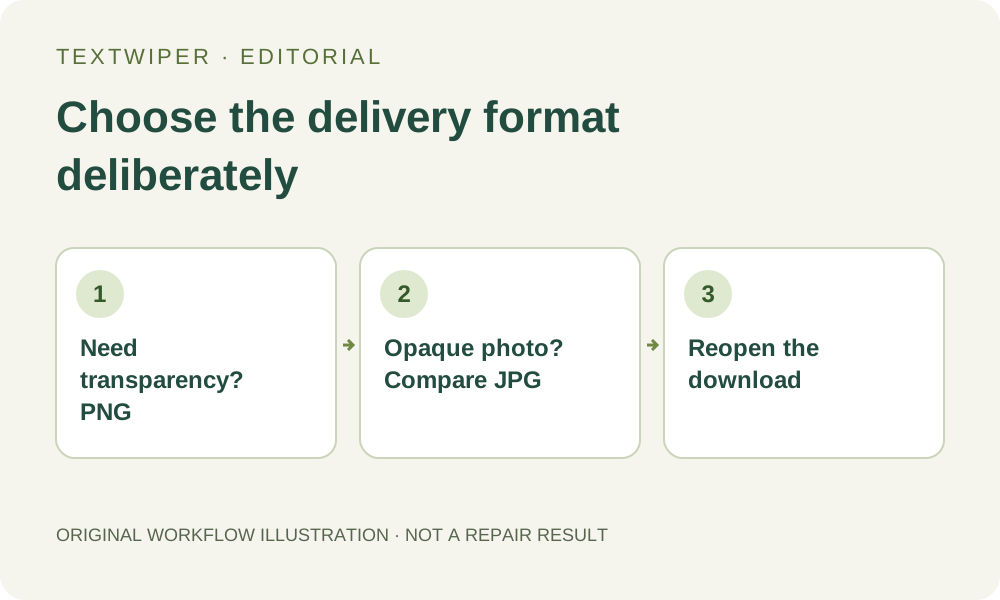
PNG preserves alpha; JPG does not
TextWiper manual PNG repair keeps transparency and the original decoded pixels outside the removal mask. That is a pixel-level behavior for the decoded image, not a promise that the exported file bytes will match the original file. Browser decoding and export can also differ from an original design document’s color workflow.
JPG flattens transparency onto white and re-encodes the whole image. Even an area outside the repair may have different decoded pixels afterward because of JPEG compression. Do not choose JPG when a transparent logo must stay transparent.
Match the file to its destination
| Need | Start with | Check after download |
|---|---|---|
| Transparent artwork | PNG | Alpha and fine edges on light and dark backgrounds |
| Plain product label | PNG | Letter edges, dimensions and any leftover marks |
| Opaque photo for a size-limited upload | JPG, compared with PNG | Artifacts, white flattening and the actual file size |
Verify the actual downloaded file
- Inspect the full repaired result before export. A comparison view is an optional inspection tool; the download contains the repaired image.
- Download PNG first if you are unsure. Reopen it in an image viewer and confirm dimensions and transparency.
- If you need JPG, compare the downloaded JPG with the PNG at the destination’s display size. Measure its actual size instead of assuming a percentage saving.
- Check the receiving platform after upload: it may resize or recompress either format. Keep your best original export separately.
Whole-image cleanup has a different preservation boundary
Automatic cleanup can change unprotected areas across the whole image; protected areas are restored from the original. Selecting PNG does not turn that into a local-only repair. Choose a manual selection when the surrounding pixels need stricter control.
An existing transparent-artwork example
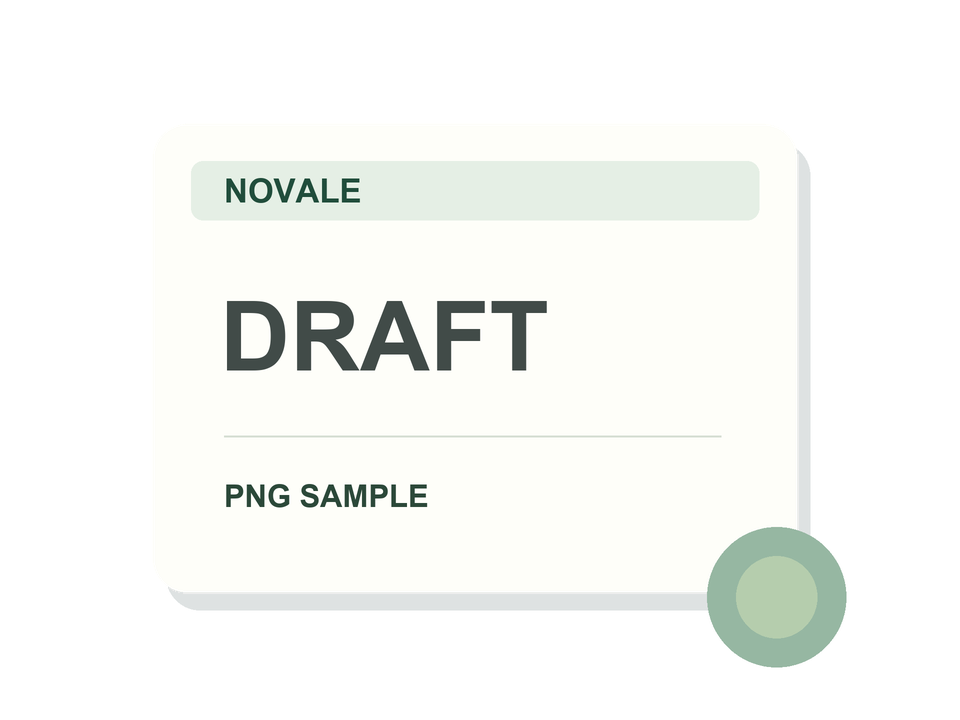
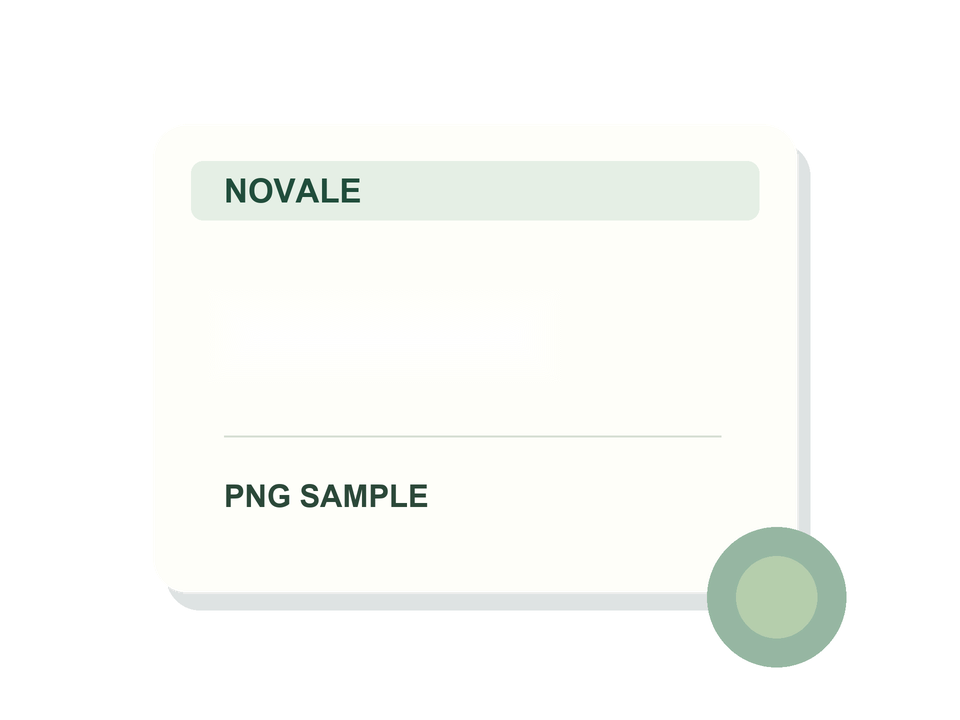
The checkerboard is the page background. The PNG files have an alpha channel; this is not a new JPG compression comparison.