PRACTICAL IMAGE EDITING
Protect Faces and Intentional Clothing Text During Cleanup
A SAMPLE overlay and a real word printed on a shirt are not the same editing target. Decide what should remain before creating a removal mask or using whole-image cleanup.
Published 2026-10-14 · Updated
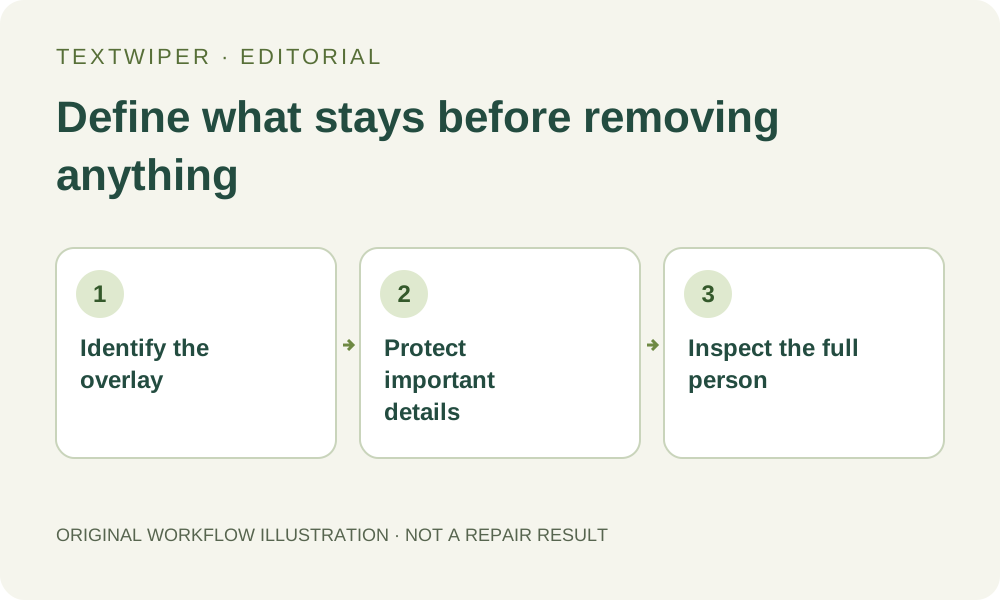
Start with intent, not with all recognized text
Text recognition locates words, but it cannot decide whether the word belongs in your final image. A brand label, the SUMMER lettering on a shirt, and a self-added SAMPLE overlay may all be detectable. Select only the one you intend to remove.
If the goal is to remove the shirt lettering itself, the cloth underneath has to be reconstructed. If the goal is only to remove an overlay, preserve the intended shirt lettering instead. These workflows need different selections.
Use protection as a boundary
- Open an authorized image and identify faces, hair, logos, garment edges and intentional text that must stay.
- For a local edit, paint the unwanted area and use Protect for adjacent details. Do not select the whole person simply because the overlay crosses it.
- For optional automatic cleanup, read the separate upload consent and trial status. The cleanup operates on the whole image; protected pixels are restored from the original afterward.
- Inspect the full result, including areas far from the overlay. Open Show comparison when needed, then reopen the download.
What protection can and cannot do
Restoring a protected region preserves what was in that region of the input—including an unwanted overlay if it crosses the protected area. It does not reveal the person or fabric behind the mark. A transition between protected and reconstructed areas can also require careful inspection.
Do not accept a changed face, changed garment lettering or a new seam as an automatic improvement. Where identity or exact product detail matters, keep the original and use a source image without the obstruction when possible.
Read examples as examples
The project’s clothing demonstration uses an AI-generated adult model, with an actual recorded brush selection and Smart repair output. It is a documented illustration, not a real customer testimonial or proof of identical results on all portraits.