PRACTICAL IMAGE EDITING
Update Old Sale Labels Without Rebuilding Your Product Image
An expired SALE label can make otherwise useful product artwork difficult to reuse. Start by separating what is out of date from what must remain, then repair only the obsolete area.
Published 2026-10-14 · Updated
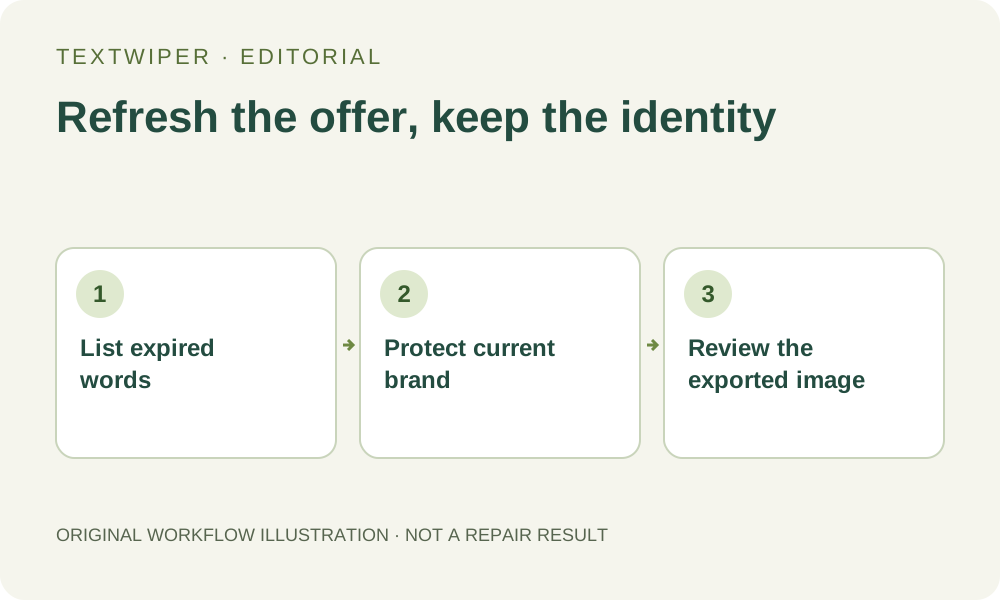
Decide whether to edit the source or the flattened image
If the original design file is available, remove the old text layer there. That keeps the original background and gives you more control than reconstructing pixels. Use image repair when you only have a flattened JPG, PNG or still WebP and have permission to edit it.
Write down the exact obsolete offer and the details that still matter: brand spelling, product edges, current price and any required labeling. Removing text does not create a new editable text layer or verify that the remaining advertising claims are current.
Use a small, reviewable removal area
- Open your artwork in TextWiper. For a one-off label, paint with Brush or use Area. Find text is optional and requests upload permission before recognition.
- If using keyword matching, enter only the outdated words. Add your current brand to Words to keep, then inspect the matched areas before repair.
- Use Quick repair for a plain label background. If texture is involved, compare a Smart repair result on the same selection.
- Inspect the full result, then download PNG and reopen the downloaded file. Keep the original separately.
Check the offer in context
In the project label example, SALE and OLD OFFER are removal targets while NOVALE and WHOLESALE remain. This is a controlled illustration, not a claim about performance on every product photo. A background with fine print, reflections or repeating packaging may need a smaller selection or an external layered editor.
Before publishing the refreshed artwork, compare it with the current offer and the destination product page. A clean image can still be commercially wrong if an old price or condition survives outside the selected area.
The documented project example

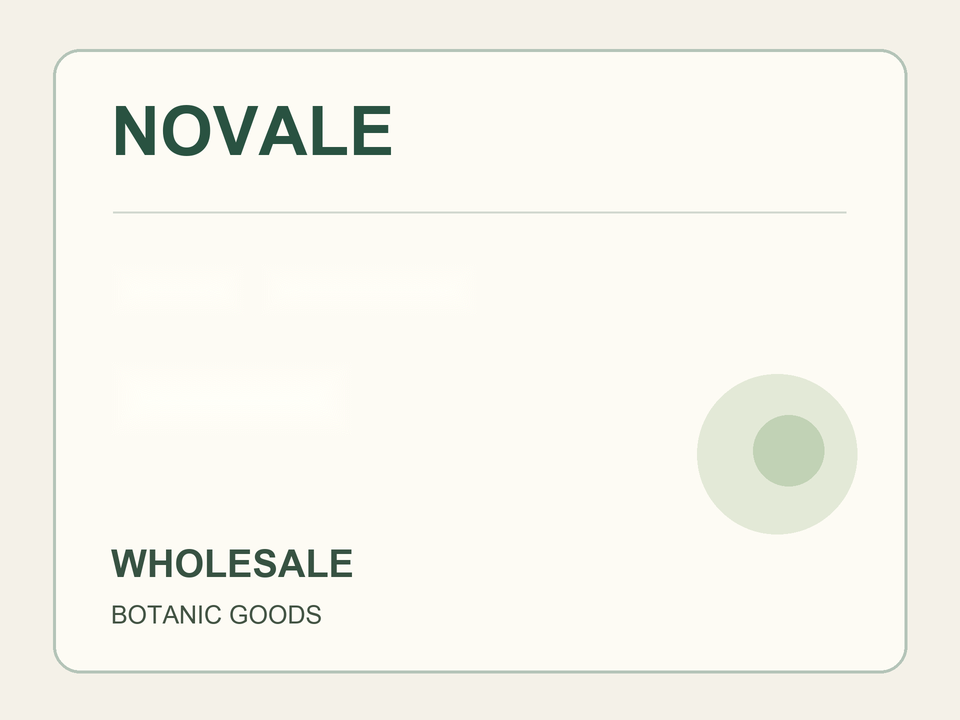
The source and result are existing registered project files. This controlled artwork does not prove identical quality on a product photo.