PRACTICAL IMAGE EDITING
Why Text Removal Leaves a Halo—and How to Refine the Mask
A faint letter outline after repair often means part of the text effect was outside the removal mask. Refine the selection before assuming a different repair mode will solve it.
Published 2026-10-14 · Updated
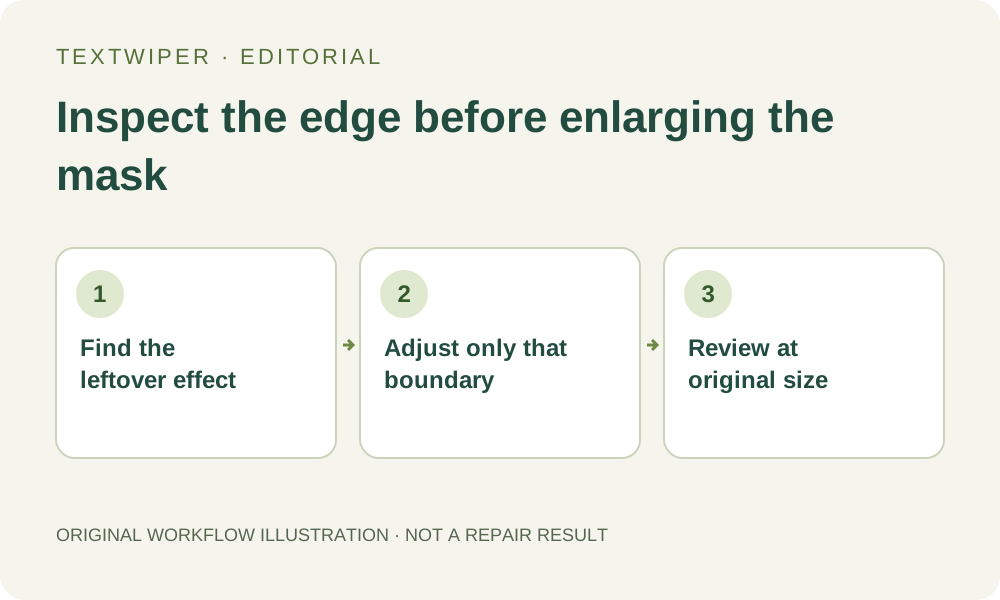
Identify what the faint mark actually is
Zoom in and decide whether the visible edge follows the shape of a letter, the edge of your selection, or a real object. A letter-shaped shadow suggests an incomplete mask. A broad seam can come from too little surrounding context or a repair that does not suit the background. A real seam on clothing should not be removed as if it were residual text.
Soft anti-aliased edges and drop shadows can extend beyond the obvious colored center of a character. A box that perfectly fits the dark letter may still miss its pale outline.
Make one controlled adjustment
- Turn on Show mask and inspect the actual green boundary. Work from the original image and keep the original file.
- Add only enough Brush coverage to include the visible outline or shadow. Use Erase to remove accidental selection over a nearby edge.
- If a logo, face or garment detail is close, paint a protection area before repairing.
- Run Quick repair on a plain background, or compare Smart repair on texture. The complete result is shown after repair; open Show comparison when useful.
Do not turn every retry into a larger rectangle
Changing a selection returns the editor to the original for a fresh repair. This is useful: a new attempt does not need to repeatedly process an already damaged export. Compare the revised selection with the previous one and keep the better result.
Inspect at roughly original size as well as zoomed in. If the text crosses a unique patterned edge, the missing detail cannot be recovered with certainty. Use the layered source, crop an acceptable region, or stop when repair becomes more distracting than the original overlay.