PRACTICAL IMAGE EDITING
Save an Automatic Cleanup Result Before Its Private Download Expires
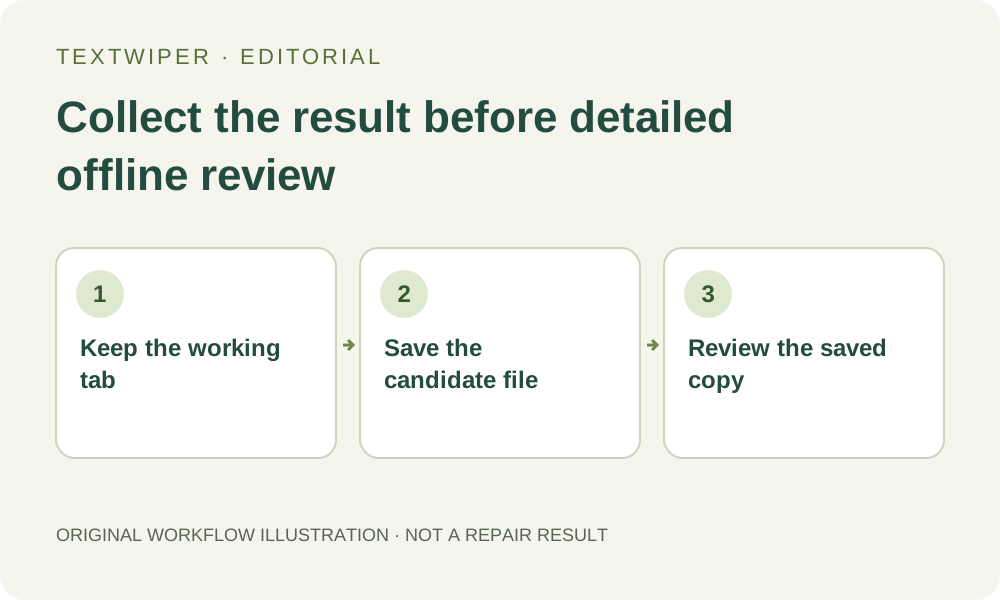
A finished automatic cleanup is a temporary result to collect, not a permanent image stored in your account. Keep the working tab open and save the candidate promptly, then inspect the saved file. Separate a result still available from the service, a result already loaded into this page and a file actually saved on your device. Those three copies do not have the same lifetime.
Published 2026-10-30 · Updated
1. Keep the original and identify the existing attempt
Keep your authorized source file separately before using the optional whole-image automatic trial. The trial requires sign-in, a separate upload choice and available allowance. A submitted attempt can count even if waiting is canceled or processing fails, so downloading a completed candidate should not become another cleanup submission.
Stay in the same working tab and use the same signed-in account when checking an existing attempt. If this page offers Check existing cleanup, let that check resolve the accepted work. Do not change the picture, open several replacement tabs or try another account as a way to retrieve this result; those actions do not constitute a reliable recovery procedure.
2. Treat the private result as short-lived
The automatic-cleanup consent describes temporary private result storage for up to about an hour. This is a retrieval window, not an account archive or a promise that the tab will remain usable for that duration. Save promptly instead of estimating a deadline from when you first noticed the preview.
A sign-in session and a processing result are different things. Remaining signed in does not extend private retention, and signing in later does not provide an image gallery. TextWiper does not offer an account list of previous uploaded pictures and every processed revision. Keep the source and the downloaded file in your own approved storage.
3. Save a clearly named candidate before a long inspection
Once a result appears, check that it belongs to the intended picture and that the complete repaired view is visible. Download a PNG candidate while the result is available. If detailed approval will take time, label this saved file as unapproved rather than leaving the only accessible copy in the tab until every detail has been checked.
Find the file in the browser download destination and reopen that exact copy. A download message indicates an export was started; it does not confirm a save prompt was accepted or the expected file reached disk. Keep the tab open until the local copy opens, has the expected dimensions and corresponds to the candidate you intended to collect.
4. Distinguish expiration from a copy already loaded
The service can stop supplying an expired result even though this page previously received its image. Conversely, a visible result in the current tab may still be exportable because the image is already loaded here. Try the existing download controls when available; do not infer from one expired retrieval that a file already saved on your device has been deleted.
That distinction is not a promise of permanent browser caching. Refreshing, closing the tab, losing page memory or replacing the current image can remove access to this working state. Do not deliberately refresh to test retention. An opened local PNG is a more useful delivery checkpoint than a preview you hope the page will reconstruct later.
5. Handle an expired retrieval without duplicate processing
If the page reports that the download expired and no result remains available in the page or your downloads, the original is still the recovery source. There is no automatic guarantee that pressing the trial button again will regenerate the same picture, restore the expired file or refund the earlier attempt.
Check your existing local download location before deciding what to do next. If no saved candidate exists, use the retained source and choose a suitable manual edit or another established source workflow. A new creative attempt is a separate decision subject to the trial rules; it is not a way to certify recovery of the old result.
6. Approve content separately from successful collection
After saving, read required words and numbers against the original, check the former watermark and inspect the complete frame. Whole-image automatic cleanup can alter useful content beyond a visible overlay. A successfully downloaded file therefore proves neither accurate lettering nor an acceptable repair. Keep an unsuitable candidate marked as rejected.
For an accepted output, record the source identity and the exact saved revision in your normal handoff notes. You can copy that local file through your approved channels without keeping a processing session alive. This article adds a collection discipline, not extra trial allowance, longer server retention or a guarantee of watermark removal.