PRACTICAL IMAGE EDITING
After Automatic Watermark Cleanup, Check the Information That Must Stay
A watermark disappearing is only one part of reviewing an automatic cleanup. The whole-image trial can change details beyond the mark you wanted removed. Before using the result, check the information the picture still needs to communicate: numbers, necessary wording, recognizable objects and meaningful shapes. A clean-looking thumbnail is not enough.
Published 2026-10-19 · Updated
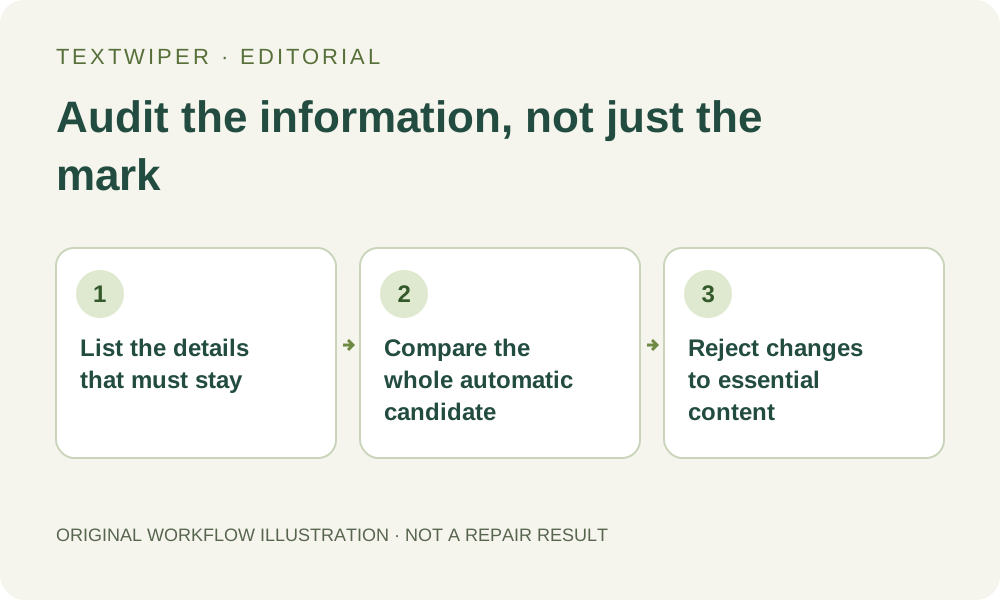
1. Make a short inventory from the original
Use an image you own or are allowed to edit. Before processing, identify what makes the picture useful: a product identifier, a size value, a small diagram symbol, the number of visible components, or a recognizable architectural outline. Those examples are a review plan, not a claim that TextWiper has tested every such image.
Keep the source available outside the browser. Read necessary wording from that source rather than trying to remember it after cleanup. Do not use this workflow to erase required warnings, disclosures or ownership information. If removing the mark would make a document misleading, the task fails before any repair is attempted.
2. Confirm that the action is the whole-image trial
In the watermark editor, Remove watermarks automatically is separate from Find text and the manual Quick or Smart repair of a green selection. It requires sign-in, remaining trial availability and a separate image-sending choice. The green manual removal mask does not limit automatic cleanup to those selected pixels.
The input must also meet the automatic workflow’s own format, opacity and size checks. Do not assume that a file accepted for manual editing is eligible for the trial. This guide describes how to review an existing candidate; it does not require a fresh trial attempt or promise that free allowance is available for every visitor.
3. Audit the complete result in a fixed order
- Wait until a real cleanup result is ready. Inspect the full result first; a split comparison is an optional inspection view, not the finished picture.
- Check each necessary text field against the original. Read the characters and digits, including decimal points, minus signs and unit labels, rather than judging only legibility.
- Inspect meaningful shapes and counts: openings, corners, visible parts, line intersections and other features that affect what the picture represents.
- Look away from the removed watermark. Inspect smooth areas and detailed regions where no edit was requested, then examine boundaries that pass through the old mark.
- Use Show comparison to locate a doubtful change, and Hide comparison to judge the complete candidate again. Record an uncertainty instead of treating it as passed.
4. Separate a cosmetic flaw from an information change
A small soft patch on an unimportant background and a changed product code are different failures. Decide according to the image’s actual use. A candidate that looks attractive but changes an essential number should not replace the source. Neither an apparently complete image nor a successful processing message verifies the meaning of its contents.
Inspect geometry at both enlarged and intended display sizes. A component can become plausible yet different: a slot may merge, a line may shift or a repeated element may change count. The result need not contain an obvious glitch to fail your requirement. Compare against what is visibly supported by the original, not an imagined reconstruction.
5. Reject unsuitable candidates without repeatedly regenerating
If essential content changed, keep the source and reject that automatic candidate. Consider manually selecting only the unwanted mark on the original, using Quick or Smart repair where a defensible local boundary exists. That is a different edit with its own review. Do not use a broad whole-image result as the new unquestioned reference.
An accepted automatic attempt uses trial allowance even if processing fails or you stop waiting. Checking the same image again resumes the same attempt; it is not an automatic fresh generation. Repeated submissions are not an audit method. Where text and essential detail cannot be separated, use an earlier authorized source or retain the original.
6. Verify the exact file that will be used
Download the candidate only after its necessary content passes the review, then reopen the saved file. Read the same critical fields and compare the dimensions with the intended delivery. If another application later crops, compresses or modifies it, inspect that derivative separately; approval belongs to the version that was checked.
Automatic cleanup estimates replacement content; it cannot certify authentic hidden details. This checklist provides a way to reject a misleading result, not a new guarantee of preservation. Manual editing remains available during beta without consuming the separate automatic trial. No paid fallback or subscription is needed to inspect or reject a result.