PRACTICAL IMAGE EDITING
Change Batch Keyword Rules Without Losing Track of Approved Results
Editing a word list is not the same as applying it. In an existing TextWiper batch, typing a new removal or keep rule does not update the pictures by itself. Suggest matching words applies the current rule to detected drafts, including ones with existing results, and makes those results require repair again. Before revising a batch-wide rule, save the accepted files, identify which cards should change and choose whether a broad application is really intended.
Published 2026-10-27 · Updated
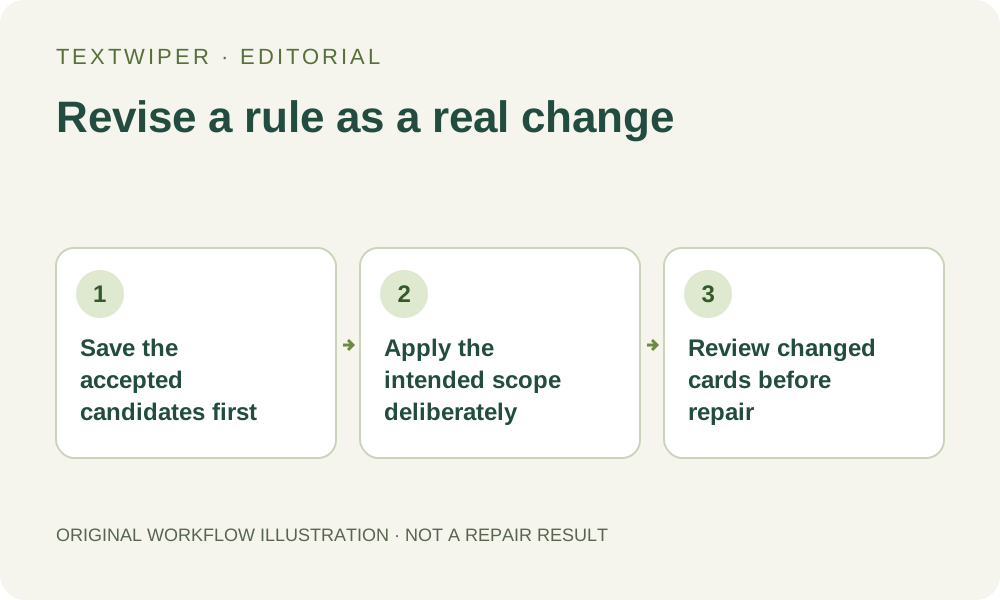
1. Identify the rule change and the cards it should affect
Write down the old and new intention. Perhaps an owned campaign now needs a second obsolete phrase removed while its product name remains protected. Check whether that new instruction applies to every detected image or just one layout. A batch-wide suggestion command has no per-card inclusion checklist for selecting only a few affected drafts.
If only one image needs the revision, inspect that image and change its selection there. Do not apply a broad new rule merely to avoid opening one card. Keep a note of the intended revision so the final collection does not mix an approved older version with an unreviewed candidate under the same assumed status.
2. Save useful existing results before applying suggestions
While the queue is idle, inspect accepted candidates and download the files you need to keep. Open the actual downloads before relying on them as checkpoints. The current in-page results are not versioned cloud assets, and saving an account keyword template does not back them up.
Keep the source-to-output mapping with your local files. A separate accepted candidate gives you something to compare after the rule changes, but it does not restore the prior editable mask. TextWiper does not offer a single undo command that reverses a batch-wide suggestion update across every card.
3. Distinguish entering a rule from executing it
Change Words to remove, Brand words to keep and Match style deliberately. Choosing a saved template fills its words into the controls; that alone does not rescan or repair the queue. Review literal phrases, punctuation and protection conflicts before selecting a command. Keep rules take priority over matching removal candidates.
Suggest matching words uses the detected text already held in each eligible draft. It is not a new recognition request. If the text itself was read incorrectly or is missing, a revised keyword spelling cannot manufacture the missing positions. Open that image for a deliberate recognition or manual-selection decision instead.
4. Check what the batch suggestion command actually changes
The command replaces the detected-text selection on every detected draft it processes, removes old rule-generated protection and adds protection for the current keep matches. It clears any existing repaired result for those cards and marks them for review again. A previously finished card can therefore lose its download buttons until a new result is produced. Cards without a detected draft are not updated by this command, so the collection can contain changed review cards beside untouched queued items.
Ordinary hand-drawn strokes are retained; only the old rule-generated protection strokes are replaced by this command. Existing manual removal and manual protection can still affect the eventual mask. Open each changed card to inspect their combined scope rather than assuming the new keyword list is now the whole selection or that all protection was erased.
5. Do not confuse suggestions with a fresh scan-and-repair run
After inspecting the updated drafts, save each review and repair the eligible reviewed images, or use the explicit Use selections & repair approval when the current selections are genuinely accepted. Check the repair mode for the pending work. The discarded old candidate is not proof that a new rule has already been repaired.
Scan & erase matches follows a different path: it recognizes eligible unfinished images again, applies the current rule and repairs removable matches. That path replaces ordinary manual removal strokes while retaining manually drawn protection. It should not be used as a neutral refresh of carefully drawn masks. A failed or empty match also does not supply a new edited output.
6. Reconcile the revised delivery with the previous checkpoint
Inspect the complete new result on each changed image and compare it with the saved earlier candidate where useful. Confirm the extra target is gone and previously retained content still meets the requirement. A no-match item left unchanged needs its own delivery decision, not a fabricated after file to make the archive count look complete.
Download and reopen the accepted revision, then update your local mapping so the recipient knows which version is current. Re-exporting an old file cannot apply a rule, and changing a template does not update files already saved elsewhere. Manual editing and downloads are free during beta; this is deliberate revision control, not an automatic background update service.