PRACTICAL IMAGE EDITING
Remove Added Text Across a Cast Shadow Without Flattening the Shadow
If added lettering crosses a shadow cast by an object, the darker region may be important scene structure rather than leftover text. Before repair, separate the shadow belonging to the unwanted lettering from the real shadow that should remain. Keep visible reference sections outside the mask, then check the shadow’s contact, direction and edge transition in the complete result. Do not keep erasing every dark patch until the picture loses its original lighting relationship.
Published 2026-10-25 · Updated
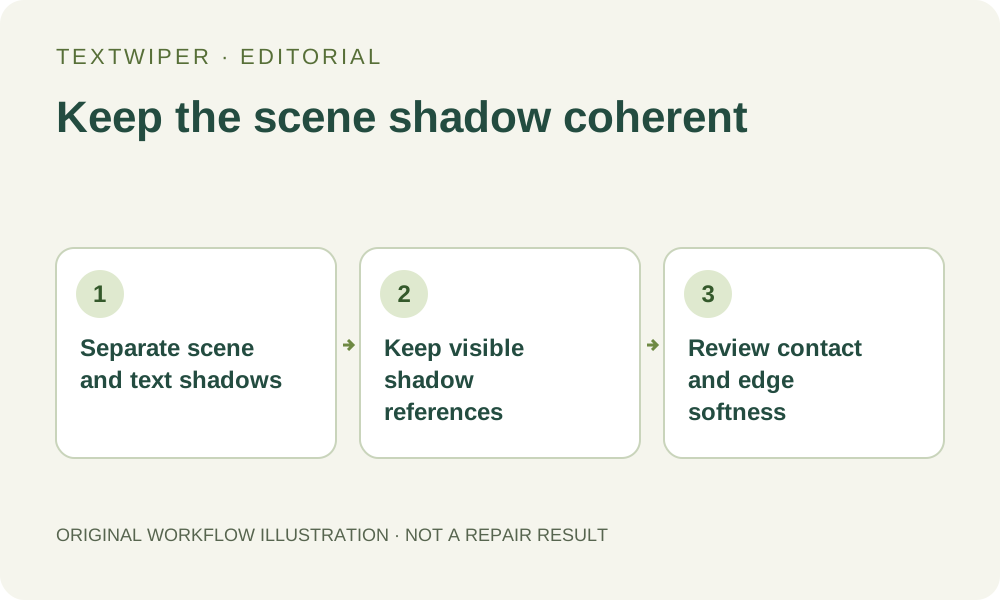
1. Identify which shadow belongs to which element
Use your own or authorized photograph or artwork. Locate the object casting the scene shadow and follow the shadow through an area without lettering. Compare that visible direction and edge with the portion crossed by the unwanted text. Write down what should stay before drawing a removal area.
An added caption can also have its own drop shadow. That shadow is part of the unwanted mark if you intend to remove the entire caption. The scene shadow has a different role: it helps show how the object sits relative to the supporting surface. Do not classify every nearby dark edge as lettering residue simply because it becomes easier to see after the main letters disappear.
2. Note the contact and the transition, not only the dark color
Check where the visible shadow meets the object or surface and how its edge changes nearby. Record whether the source shows a firm boundary, a gradual transition or a variation along the same shadow. Use only sections that are actually visible; the lettering-covered part remains uncertain.
The repair target is a coherent continuation between available references, not a uniformly dark rectangle. A candidate may keep the average shade while moving the boundary, detaching the shadow from the object or making the transition abruptly sharper. Those are different failures from a small color mismatch, and they require checking the shape around the repair rather than sampling one patch.
3. Select the mark while retaining useful shadow context
In TextWiper, use Brush for the unwanted letters and any shadow attached to those letters. Optional Find text can supply regions after upload permission, but it does not distinguish the scene’s lighting from caption effects. Review a proposed box before accepting it when the lettering spans light and dark surfaces.
Keep visible segments of the real shadow outside the removal area where possible. Use short strokes and Erase to trim excess selection. Protect can preserve an unmarked reference, but protecting a region also retains any unwanted text on those same input pixels. It cannot extract a clean scene shadow from beneath a fully opaque letter.
4. Compare both sides of the boundary after repair
Run the chosen manual repair and inspect the complete candidate. Use comparison near the former letters, checking the lit side, dark side and transition separately. A patch drawn entirely from one side can make the shadow look cut away or spread darkness across an area that was previously lit.
Follow the visible edge across the repair and into unchanged surroundings. Look for a kink, a rectangular notch, a sudden soft patch or a duplicated shadow edge. Check the contact area too: removing a small dark region there may make an object appear to float even when the rest of the background looks smooth. Judge the lighting relationship together with text removal.
5. Review the entire object at its intended display size
Hide comparison and inspect the whole image as a viewer will see it. The object should still sit coherently within its original scene, and the shadow should not become the main distraction. A local close-up can look acceptable while a shortened or disconnected shadow is obvious in the full composition.
If you revise the mask, repair again from the loaded original and compare the new candidate deliberately. Save any useful version before changing it. Do not repeatedly clear more of the scene shadow to hide a repair edge: that changes the task from removing added lettering to redesigning the lighting, and it may still fail to produce a believable result.
6. Use a better source when the important shadow is concealed
When an opaque caption covers the only evidence of an important contact or shadow turn, request an unmarked source or return to the editable composition. A repair can estimate a plausible surface but cannot prove the original hidden shadow. If several interpretations remain possible, keep the uncertainty visible in the review rather than claiming exact recovery.
Download PNG and reopen the actual file to check the shadow, object outline and any retained writing at the intended size. Manual selection, Quick repair, Smart repair and downloads are free during beta. Whole-image automatic cleanup is a separate limited sign-in trial that can change more of the image; it does not remove the need to inspect lighting and important scene details.