PRACTICAL IMAGE EDITING
Clean Added Notes from a Counted-Stitch Chart Without Losing Cells or Legend Matches
For an authorized counted-stitch chart, remove an added note only after identifying the cells, symbols and key that define the pattern. A chart can look cleaner while becoming harder to follow if one grid segment, row number or similar symbol changes. Keep the pattern source and use a separate working copy for this presentation cleanup.
Published 2026-11-01 · Updated
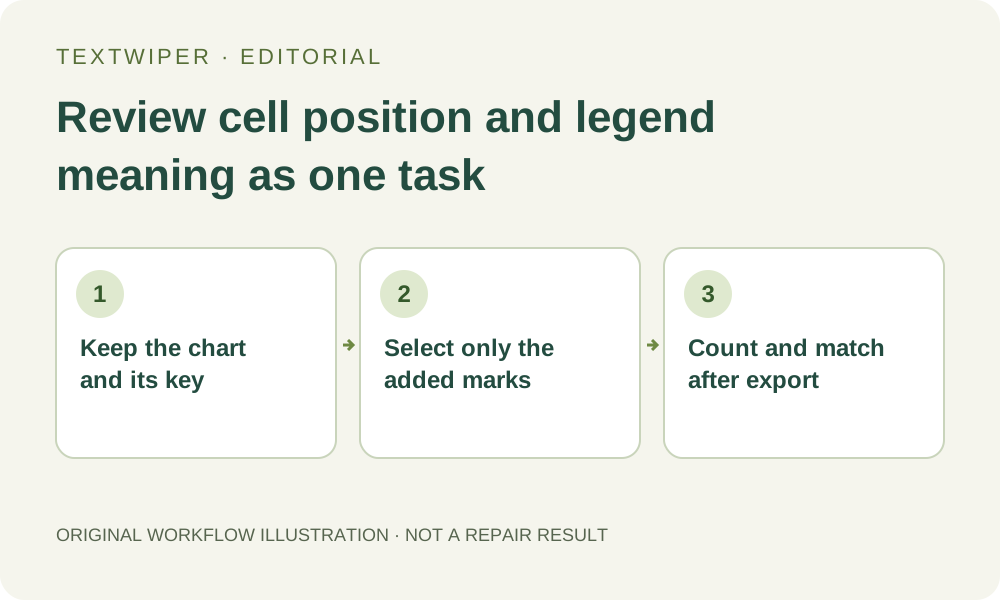
1. Preserve the complete chart and the matching legend
Keep the unedited pattern, its page identifiers and the legend that belongs to this version. Decide whether your deliverable is a full chart page or a clearly labeled excerpt. Removing a temporary personal note should not separate an excerpt from the color or symbol key needed to interpret it.
Before editing, note the row and column range touched by the added mark, using the chart’s existing numbering or another unambiguous reference. This creates a bounded review area. Do not erase meaningful progress notes from the only record you use while stitching; make a separate clean viewing copy if that is the goal.
2. Identify actual chart symbols before using recognition
An X, a dot, a letter or a small geometric shape may be a stitch symbol rather than unwanted text. Similar marks can also mean different things in the key. Inspect the original at a readable zoom and list the symbols and numbering around the annotation that must remain unchanged.
Find text can suggest locations after upload permission, but it does not interpret the chart’s instructions. A recognized character is not proof that the area is a disposable label. Avoid blanket keyword removal for a letter that also appears as a stitch symbol, even when it matches the wording of your temporary note.
3. Keep the selection inside a separable addition
Load the supported still image and paint the added note with Brush. Use Erase to pull the green mask away from adjacent cell lines and Protect for visible symbols that must stay. If an annotation crosses several grid cells, inspect each crossing rather than enclosing the entire counted block in one Area rectangle.
When handwriting covers a cell symbol, no amount of smooth background fill identifies the correct stitch. Locate a clean source or another authoritative version of the same pattern. A repaired blank cell can be especially misleading because it may look like an intentional empty position. Do not invent a symbol by copying a visually nearby cell.
4. Compare the grid as a countable structure
Try a suitable manual repair for a small note in genuine blank space. Quick and Smart provide image candidates; neither restores chart semantics or automatically rebuilds a counted grid. Review the full result and use comparison to inspect where the patch touches horizontal and vertical cell boundaries.
Count the relevant cells from a retained reference in both the original and result. Check that a gap has not merged two cells visually and that a filled line has not split one into two apparent positions. Follow row and column labels back to the same cells, including the margins where numbering may sit outside the main grid.
5. Match retained symbols to the same legend entries
Read each distinct symbol near the edit alongside its key entry. A small mark can still be present but resemble a different symbol after repair or later resizing. Check any retained color-number text as well as the symbol; a readable number does not help if it has become attached to the neighboring entry.
If you change the mask, the earlier candidate is invalidated and the next repair starts from the original. Keep the full intended selection for the current version. Save an accepted PNG first if you deliberately want a staged edit, then name that intermediate clearly so it is not confused with the original pattern source.
6. Check the downloaded chart in the actual reading arrangement
Export PNG, reopen the file and inspect it at the size used for stitching or printing. Review both the edited block and its surrounding numbering. If your real workflow places the legend on another page or screen, open that matching key too and verify that the chart is still usable in that arrangement.
Keep the cleaned copy distinct from the pattern master and retain the removed-note record if it mattered to your work. This tutorial offers a review procedure, not a new chart-restoration test or a stitching instruction generator. Manual editing and downloads remain free during beta; optional whole-image cleanup is a separate limited trial and is unnecessary for this bounded task.