PRACTICAL IMAGE EDITING
Before Deleting an Optional TextWiper Account, Separate Setup, Images and Sessions
Delete an optional TextWiper account only when you intend to end that account and discard its saved preferences and keyword templates. Save any setup and reviewed image files you need first. A password account confirms deletion with its TextWiper password; a Google-only account uses a fresh Google confirmation after a permanent-deletion acknowledgment. Manual editing remains available without an account.
Published 2026-11-02 · Updated
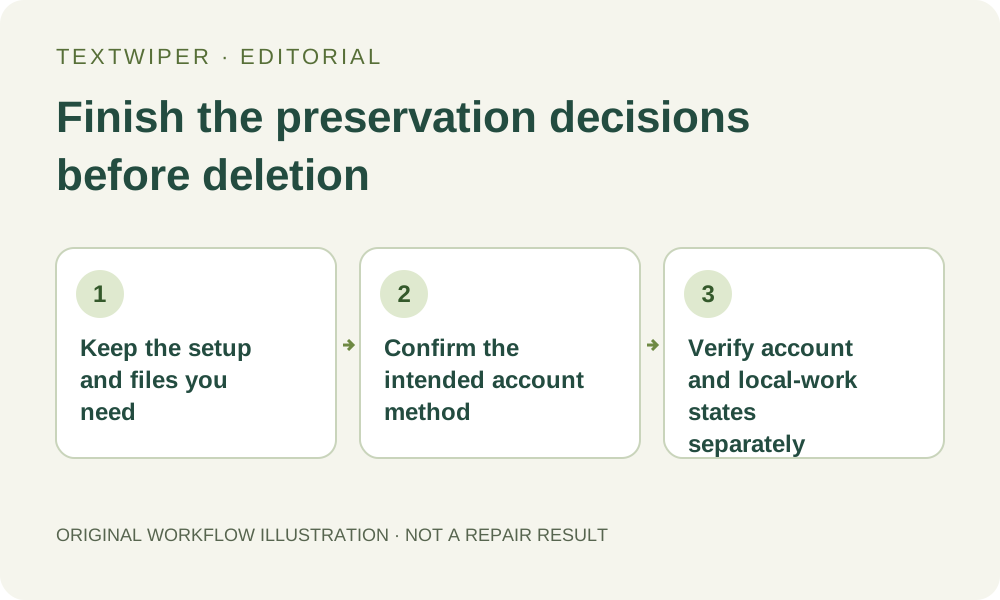
1. Choose deletion only for ending the account
If you only need to leave a shared device, sign out and manage that device’s image work separately. If one template is obsolete, remove or edit that entry. Permanent account deletion is a different decision: it removes the saved account setup and its sessions. It is not a general undo button for a disappointing image edit.
Read the signed-in identifier and template list before proceeding. Do not delete an unfamiliar account merely because another sign-in method did not show the setup you expected. Resolve which account owns the needed rules first. Account deletion is not a procedure for merging duplicate accounts or moving one account’s saved phrases into another.
2. Preserve useful settings deliberately and privately
Read the preference values and any keyword templates you are authorized to retain. Record the necessary values, template names and user-entered remove/keep phrases in a suitable private place before deleting. This is a manual preservation step: Account does not offer a downloadable editable-image project or a template-archive export button.
Keep rule text separate from passwords, recovery codes and provider credentials. Do not put sensitive recognized content into a reusable template just because the account is about to disappear. If the intention is simply to stop using an old campaign rule, editing or removing that template can solve the task without ending the entire account.
3. Save image deliverables independently of account setup
Download and reopen any useful reviewed PNG or JPG, and preserve the authorized original separately. An account does not hold the current manual picture, its recognition list or its hand-painted mask for later restoration. A file already downloaded to your device is a separate object and is not deleted by the account-deletion action.
For a busy image operation, settle the known status and permitted result decisions before ending access. A deletion message is not proof that an accepted automatic cleanup was canceled, an attempt was refunded or every service’s private result was immediately erased. This guide does not establish those outcomes or recommend another submission to test them.
4. Follow the confirmation appropriate to this account
Open Delete account only after deciding what to retain. A password account asks for its TextWiper password and presents Permanently delete my account. Even if Google was also connected, the password-account confirmation remains distinct from the Google-only path. Read the form actually shown rather than choosing a method from memory.
A Google-only account first asks you to acknowledge that deletion is permanent, then offers confirmation with Google. Confirm the identity that belongs to this account. Provider sign-in or a visible account avatar is not by itself the final deletion outcome. Cancel if the account or intention is wrong; do not perform a real deletion just to test what the next screen looks like.
5. Verify the outcome without assuming restoration exists
After a successful deletion the interface says the account, saved preferences and sessions were removed and returns to a signed-out account form. Read that actual state. If a response is missing or uncertain, inspect the page before sending another destructive request. Do not infer success solely because a provider popup closed.
There is no account-undo control promised here. Creating or signing into an account later is not a method for restoring the deleted templates. Deleting the TextWiper account also does not delete your Google account or manage its broader sign-in sessions and permissions. Any provider-account decision belongs in its own appropriate account controls.
6. Check the local workspace you will continue or leave
Account deletion and clearing the current page’s images are separate tasks. Inspect any still-visible single-image workspace and batch queue, preserve permitted files, then clear local work deliberately if that is your intention. Closing the account dialog or seeing a signed-out form does not prove that every in-page picture or device download has gone.
Free manual selection, repair and download can continue without an account. Re-enter any needed rule deliberately and inspect its matches against the actual image; a private note is not an automatic import. This article explains the implemented preservation and confirmation paths, not a newly performed deletion or secure-erasure audit, and it does not reset trial allowances.