PRACTICAL IMAGE EDITING
Deliver Both PNG and JPG from One Image Batch
One batch can contain transparent artwork and opaque photos, but its ZIP export uses the single format selected in the batch controls. It does not choose a different format for each image. When the delivery needs both PNG and JPG, inspect the results and use each completed card’s individual download buttons. Assemble the mixed-format package separately, keeping the correct revision and required transparency for every item.
Published 2026-10-26 · Updated
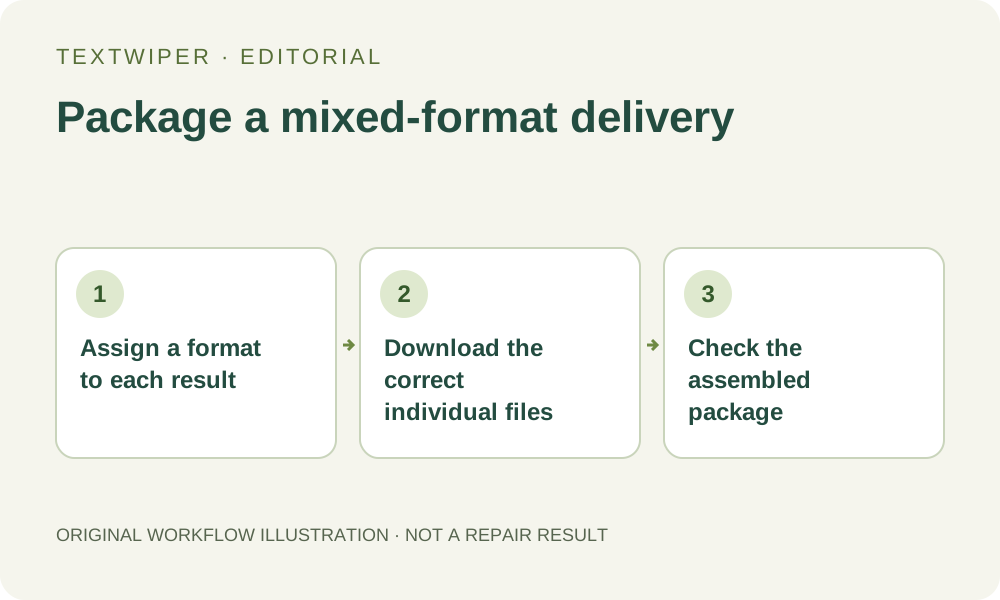
1. Decide each item’s required format before packaging
List the deliverables rather than relying on the format of their sources. A transparent asset usually needs an export that retains its alpha; an opaque photograph may have a JPG requirement. Write those decisions beside your own source list. This is your delivery plan, not a per-card setting stored automatically by TextWiper.
If the recipient needs two formats for one result, list both deliberately. Two exports from one reviewed image are different deliverables, not two independent repairs. Conversely, choosing PNG for an entire collection does not satisfy a recipient who explicitly requires a JPG photograph, even if both files can be viewed on your device.
2. Finish and review the image candidates first
Add supported authorized files within the batch limits, select the intended removal areas and complete their repairs. Open Inspect result on each completed card. The full repaired image is shown by default; use comparison only when you want a closer check of the change. A queue thumbnail is a source preview, not your final-format acceptance test.
Check the content and transparency requirements before planning the archive. PNG preserves the current alpha, whereas JPG places transparent content on white and re-encodes the picture. An accidental JPG choice cannot be repaired by later renaming that file to .png. You would need a suitable export from the retained result or a new authorized source.
3. Understand what the batch ZIP control actually does
The batch export-format control selects one representation for all successful results included in that ZIP. It does not inspect the subject, infer a background requirement or preserve each input extension automatically. Changing it before another ZIP download produces another uniform-format archive from existing results; it is not a mixed-format assignment.
Only cards with a result are included. Unprocessed images, no-match skips and failed items do not become deliverables because the chosen format is valid. Reconcile the result list with your plan before using the archive, and retain a note for any source intentionally left unchanged rather than counting it as an edited output.
4. Download the individual formats you actually need
Wait until the queue is idle, then use the completed card’s PNG or JPG download button according to your plan. For an asset needed in both formats, download both from that same reviewed result. Changing download format does not rerun recognition or repair and does not consume a whole-image automatic-cleanup attempt.
Find each completed download on your device and open it. Confirm the picture, revision, actual format and dimensions. Repeated or similar source names can produce confusing export names, so keep your own source-to-output record. Do not assume the order of files in the download folder exactly matches their visual order in the queue.
5. Assemble the mixed package outside the editor
Place the accepted individual files in a separate delivery folder. Use your device’s normal archive tool if a single mixed-format ZIP is required. That archive is a package you create outside TextWiper; the editor does not provide per-image format rules or a second mixed-format ZIP command. Keep the reviewed master files separately when appropriate.
Open or extract the assembled archive and inspect its actual entries. Check the number of intended deliverables, their extensions and the contents of each file. A transparent asset should still have the expected alpha in its PNG copy. A required JPG should really decode as JPG. The archive’s filename alone proves none of those properties.
6. Complete the handoff before clearing the queue
Give the recipient a concise mapping when one source has multiple outputs or the names are ambiguous. Identify which version was reviewed, which format each placement should use, and any remaining limitation. Account settings and keyword templates do not store the images or the delivery package, so keep the files before closing the workspace.
This is a manual batch export workflow during the free beta. Whole-image automatic cleanup remains a separate limited single-image sign-in trial; it is not a batch format-conversion service. If the recipient changes dimensions, compresses files again or uploads them through another platform, inspect those final copies as a further delivery step.