PRACTICAL IMAGE EDITING
Clean a Segmentation Preview Without Altering the Label-Mask Data
A colored segmentation preview and its underlying label mask may look related but serve different purposes. If you only need a clean presentation, regenerate the preview without its added caption when possible, or edit a separate display copy. Do not run photo repair on the class-label mask used for training or evaluation.
Published 2026-11-01 · Updated
1. Identify which file holds the labels
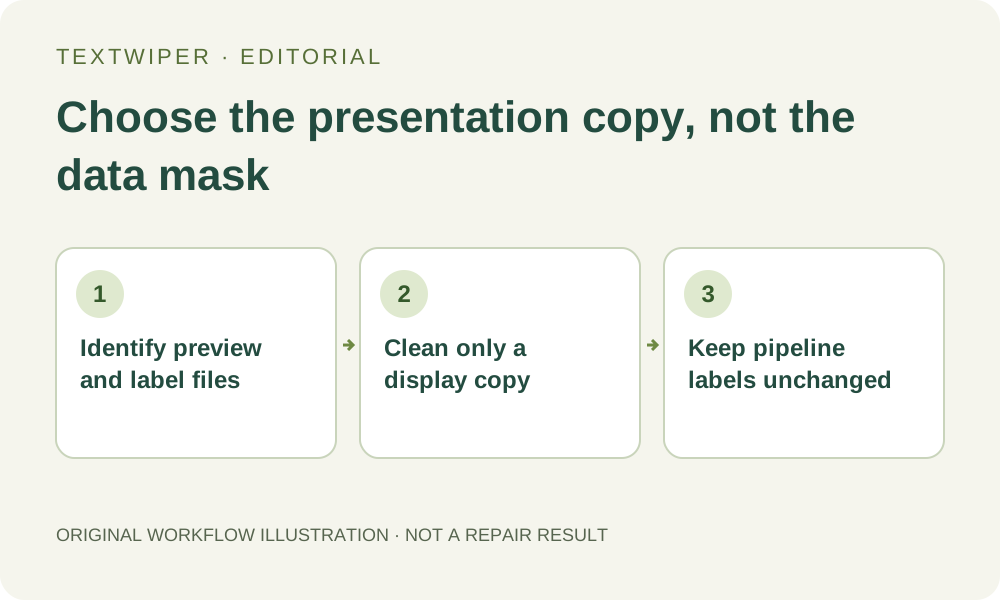
Keep the authorized source image, annotation data and display preview separately. Find out which file the data pipeline actually consumes; a visually colorful image may be a visualization rather than the underlying label representation. Ask the project owner when the relationship is unknown instead of assuming every PNG is a photograph.
TensorFlow’s segmentation tutorial describes a class label assigned to each pixel and shows the mask separately from the input image. That distinction is the reason for this workflow. This article does not define your project’s classes, establish valid labels or claim that TextWiper reads a dataset schema.
2. Remove the presentation caption at its source when possible
If the unwanted wording is added by a plotting or annotation viewer, render another presentation without that caption. Keep the same underlying annotation unchanged and record which visual elements were omitted. This avoids filling over a boundary when the original clean visualization can be generated again.
Do not remove a legend or class name that is necessary to interpret the presentation merely to make it look cleaner. When a caption overlaps a meaningful boundary and the original renderer is available, re-render it instead of asking image repair to invent the shape under the words.
3. Open only an independent display copy
If no editable preview source is available, make a separate static JPG, PNG or WebP presentation copy within the editor limits. Name and store it so that it cannot be mistaken for the original label-mask file. Keep the training or evaluation data outside this editing workflow.
TextWiper works with decoded image pixels and exports a visual result. It does not preserve a guarantee about category IDs, palette meanings, class boundaries or dataset validity. Even if the picture looks unchanged at normal size, that is not a label-data integrity check or approval to replace the pipeline input.
4. Select a truly separate added annotation
On the display copy, use Brush or Area for an independent caption and Protect for useful boundaries nearby. Recognition is optional and asks permission before sending a working image; its suggestions do not understand class semantics. Inspect the exact effective green and blue coverage before a manual repair.
If the caption shares pixels with a region edge, decline to guess a precise segmentation boundary. A plausible smooth outline may communicate a different result. Return to the original annotation or renderer, or retain a clearly explained caption, rather than presenting an invented boundary as the measured output.
5. Review the presentation and verify the data separately
After repair, inspect the complete preview alongside the original visualization and its legend. Confirm that every retained class, boundary and visible label is still interpretable. Download the accepted presentation and reopen that actual file; approval concerns this display copy only.
Use your project’s established data checks to confirm that the original label-mask file and annotations remain unchanged. A screenshot comparison, OCR success or a PNG download does not validate class IDs. Do not copy the cleaned preview into the dataset just because its file extension matches the old mask.
6. Deliver a clearly identified presentation artifact
Keep a note that identifies the file as an edited presentation preview, with the unedited data and source visualization retained separately. If readers could mistake the image for raw model output, explain the removed display annotation. Do not imply a new accuracy result, dataset correction or class prediction.
Manual presentation editing and downloads remain free during beta. The limited whole-image automatic trial is not a dataset-label repair service. When the task really is correcting a mislabeled region, use the original annotation tool and its review process; editing how a preview looks cannot substitute for that work.
Sources
- TensorFlow: Image segmentation — Supports the per-pixel class-label distinction. It does not describe TextWiper integration or certify a dataset after image editing.