PRACTICAL IMAGE EDITING
Connection Interrupted During Text Removal? Check What Can Continue
A connection interruption does not make every editor action identical. A picture and result already held in an open page are different from resources still downloading or a request awaiting a server. Keep the page open, save any reviewed result first and identify the pending action. TextWiper is not an installed offline application, and reopening it without a connection is not guaranteed.
Published 2026-10-20 · Updated
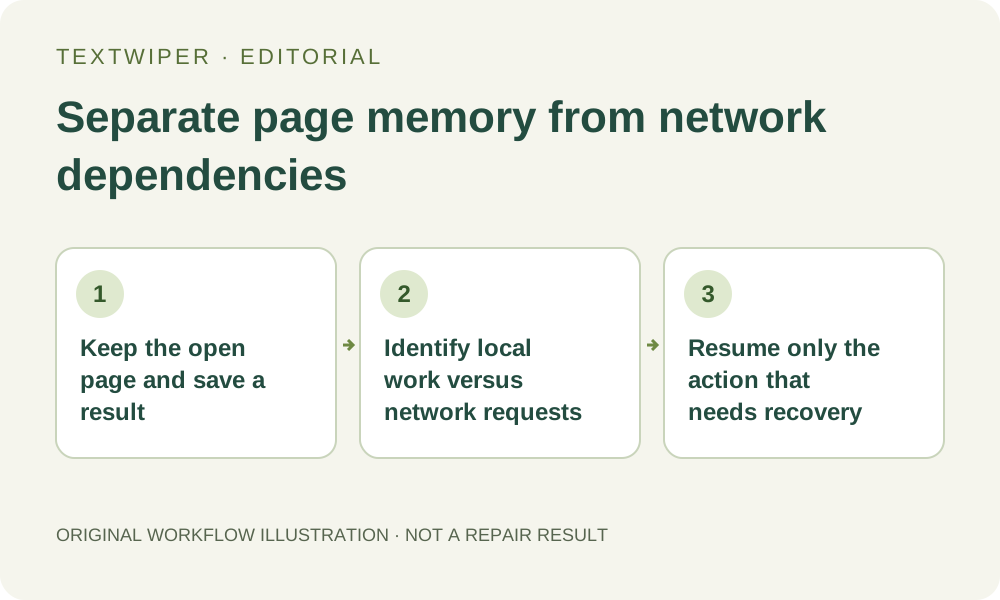
1. Preserve what is already available before troubleshooting
If the current page still shows a reviewed result and its controls are available, try downloading it and open the saved file. Manual result export creates the file from the result already in browser memory; it does not submit a new recognition or cleanup request. Saving can still fail because of browser or device conditions, so verify the actual file.
Keep the original source separately and avoid refreshing merely to test whether the connection returned. A refresh discards the manual workspace, including selections and any unsaved result. Before drawing another stroke, save a candidate you need: changing the mask invalidates its current result. Connection trouble is not a reason to throw away an otherwise usable local checkpoint.
2. Distinguish the loaded interface from a ready repair engine
With the picture and interface already loaded, manual selection, zoom and pan operate on the current page. You can inspect existing detected positions without requesting another scan. This does not mean that every repair dependency is ready. The background worker and Quick repair’s required files may still need to load when a repair starts.
Smart repair also prepares runtime and model resources on demand. If all dependencies for the chosen manual repair are already ready in the live page, its calculation can run on the device without sending the photograph for repair. That is a conditional implementation boundary, not a promise that an arbitrary offline browser will finish. Download cache alone does not establish readiness.
3. Match your next action to the state you can see
- If a result is already ready, inspect and save it before changing the selection or leaving the page.
- If only a mask is ready, keep the page open and decide whether to continue marking it or wait for connectivity. A selection is not a downloaded image.
- If manual repair is still preparing resources, read its status. An interrupted resource download cannot be completed merely by clicking the same repair button repeatedly.
- If the chosen manual engine has already begun calculating, let that operation finish if appropriate. Device or worker failure is still possible even though the calculation is local.
- Use Cancel when you actually want to stop a stuck or unwanted operation. After cancellation, a later manual repair may need to recreate its worker and load resources again.
4. Leave network-dependent actions for a working connection
Find text and keyword scan actions that request fresh recognition need the recognition service. Applying a rule to detections already present is different from scanning again. Account sign-in, settings synchronization and saving a template also depend on service requests. Do not interpret a network error in one of these as proof that the local picture or mask is damaged.
The whole-image automatic cleanup trial needs a connection for account checks, submission, status and result retrieval. If a request was accepted before the interruption, processing may continue while the page cannot read its status. Stopping the wait does not necessarily stop that remote work or restore trial allowance. A missing response is not proof that no attempt exists.
5. Recover the interrupted action without starting unnecessary work
When connectivity returns, use the visible recovery path for the action that failed. For the same automatic image in the same page, choosing automatic cleanup again checks the existing attempt rather than automatically generating another picture. Keep that distinction: the goal is to obtain the known status, not to repeatedly alter the image and force new submissions.
For manual repair whose preparation failed, inspect the retained mask and retry after the connection is usable, or deliberately choose Quick repair if it suits the background. Quick repair can also need its own resources, so it is not a guaranteed offline fallback. Do not run another recognition request solely because a manual model download was interrupted.
6. Treat a successful download as a checkpoint, not offline installation
After a real repair becomes ready, inspect the complete result, use comparison only if helpful, then download and reopen the file. Keep that saved version with its source. The website does not provide an offline-installation step, a permanent local project or a guarantee that another tab can recover this page’s memory.
This guide explains decisions during a connection interruption from the implemented workflow; it is not a new offline performance test. It does not ask you to change network settings or consume recognition or automatic trial allowance to prove a point. Manual editing remains free during beta, while resource availability and device capability still determine which work can finish.