PRACTICAL IMAGE EDITING
Need Text Removed from a GIF or Animated WebP? Choose One Still First
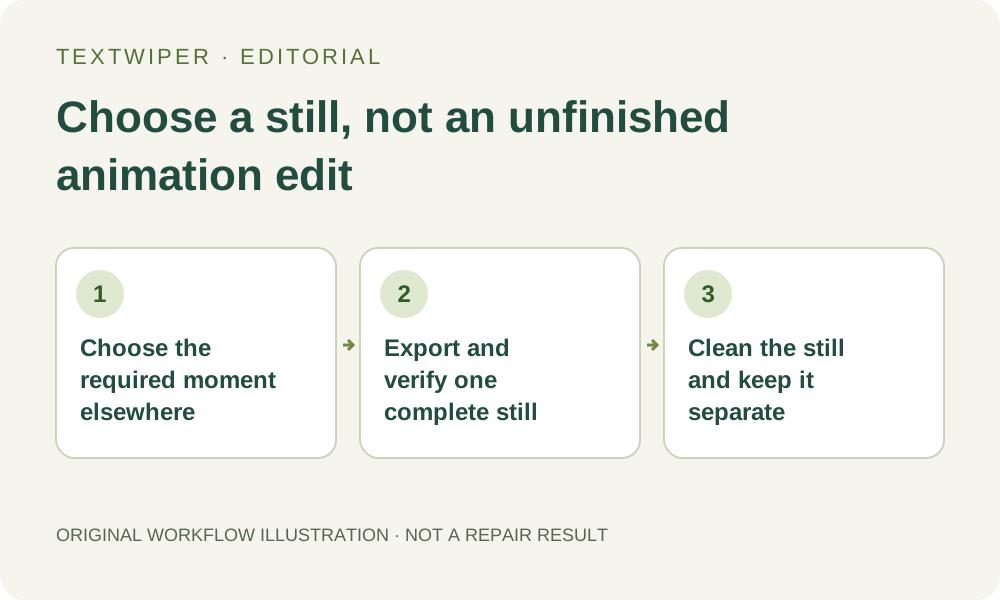
TextWiper edits still pictures, not an animated sequence. It rejects GIF files, animated PNG and animated WebP. If you need one illustration from an animation you own, choose its moment in another application and export a complete still as JPG, PNG or still WebP. Cleaning that picture will not change the animation or produce a cleaned moving file.
Published 2026-10-20 · Updated
1. Decide whether your deliverable should move
An article illustration, a presentation image and a moving demonstration have different requirements. If the audience only needs one moment, a still-image workflow can make sense. If movement, changing numbers or the transition between states is necessary, stop and use an animation workflow instead. One attractive frame cannot stand in for an edited sequence.
Use only an animation you own or are authorized to alter. Keep its original file and clarify which added lettering is obsolete. A caption that explains a changing state may be essential to interpreting the motion. Do not remove context merely because one isolated frame looks cleaner without it. This guide supplies no new animation-processing test.
2. Export a complete visible state in a separate application
Open the source in an application that can display the animation and export a selected still. Choose the moment deliberately: a subject should be in a useful position, a transition should not be halfway complete, and required information should be visible. TextWiper does not provide a timeline or a frame-selection control for these files.
Check that the export contains the complete picture you saw, not only a changing portion of the frame. If a chosen tool exposes partial frame data, its export needs extra checking or another supported method. This is an inspection requirement, not a guarantee about any external application. Renaming an animated file to .png does not create a verified still.
3. Check the actual exported file before selecting text
- Save the chosen frame as a separate JPG, PNG or still WebP. Retain the animated source and note the moment or visible state you intended to capture.
- Open that exported file on its own. Check the full canvas, background, subject and any transparency against the animation at the chosen moment.
- Confirm that no player controls, loading symbol or unfinished transition became part of the picture. A screenshot is unsuitable if it includes unwanted interface elements or loses necessary detail.
- Check the manual editor limits: up to the displayed 10 MB per file, no side above 4096 pixels, and no more than 16,000,000 pixels total.
- Open the checked still in TextWiper. If animation is still reported, return to the external export step rather than repeatedly attempting recognition.
4. Make a selection that belongs to this one picture
Use Brush to follow the unwanted lettering or Area for a suitable isolated rectangle. Erase reduces accidental green coverage, while manual Protect coverage retains visible details. Find text is optional and requires permission to send a working image for recognition. A valid still does not guarantee that its lettering will be recognized.
The selected moment may place the caption over a moving hand, a small control or a texture unlike another moment. Judge this frame’s actual boundary before repair. Choose Quick repair for a small area on a smooth surface, or consider Smart repair for texture. Neither can reconstruct the authentic pixels that the caption hid.
5. Review the still without inferring continuity
Inspect the complete result first, then open comparison if you need to locate a change. Check the former caption area and meaningful details elsewhere. A patch can be acceptable in this still while being impossible to keep consistent across neighboring frames. This editor does not compare adjacent animation states for you.
If the chosen moment is hard to repair, another authorized moment may be a better source. Export and inspect that candidate separately rather than assuming the first mask transfers to it. A different pose, layout or frame dimension changes where the unwanted pixels are. Keep the original candidates so that the final selection is intentional.
6. Deliver a still file and keep animation work separate
Download PNG or JPG and reopen the saved image. Verify the complete frame, the intended removal and its usable dimensions. PNG is the manual export choice when transparency must be retained; JPG uses a white background. Neither output carries the original animation’s duration, looping behavior or sequence of states.
Do not describe the output as a cleaned GIF, APNG or animated WebP. Rebuilding an animation from edited frames would be a separate external task with its own timing and continuity review. Manual still-image selection, repair and download are free during beta; the separate limited automatic watermark trial does not turn this process into an animation editor.